> ## Documentation Index
> Fetch the complete documentation index at: https://docs-staging-fix-docs-5525.mintlify.site/llms.txt
> Use this file to discover all available pages before exploring further.
# WhatsApp
> Découvrez comment configurer vos actions de flux WhatsApp pour envoyer des messages.
## Configurer la connexion à votre coffre-fort
Pour configurer une connexion au coffre-fort pour vos actions WhatsApp, vous aurez besoin d’un **jeton** :
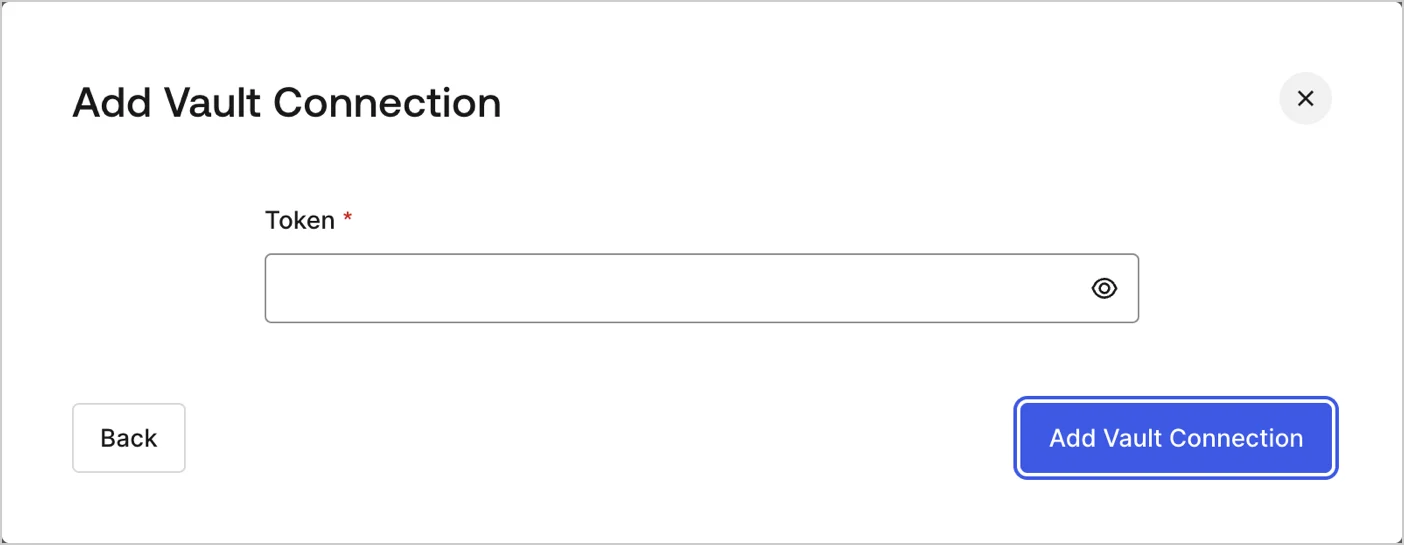 Pour savoir comment générer un jeton, lisez l’article [Utilisation de jetons d’autorisation pour WhatsApp](https://developers.facebook.com/blog/post/2022/12/05/auth-tokens/).
## Envoyer un message
Envoie un message.
Pour savoir comment générer un jeton, lisez l’article [Utilisation de jetons d’autorisation pour WhatsApp](https://developers.facebook.com/blog/post/2022/12/05/auth-tokens/).
## Envoyer un message
Envoie un message.
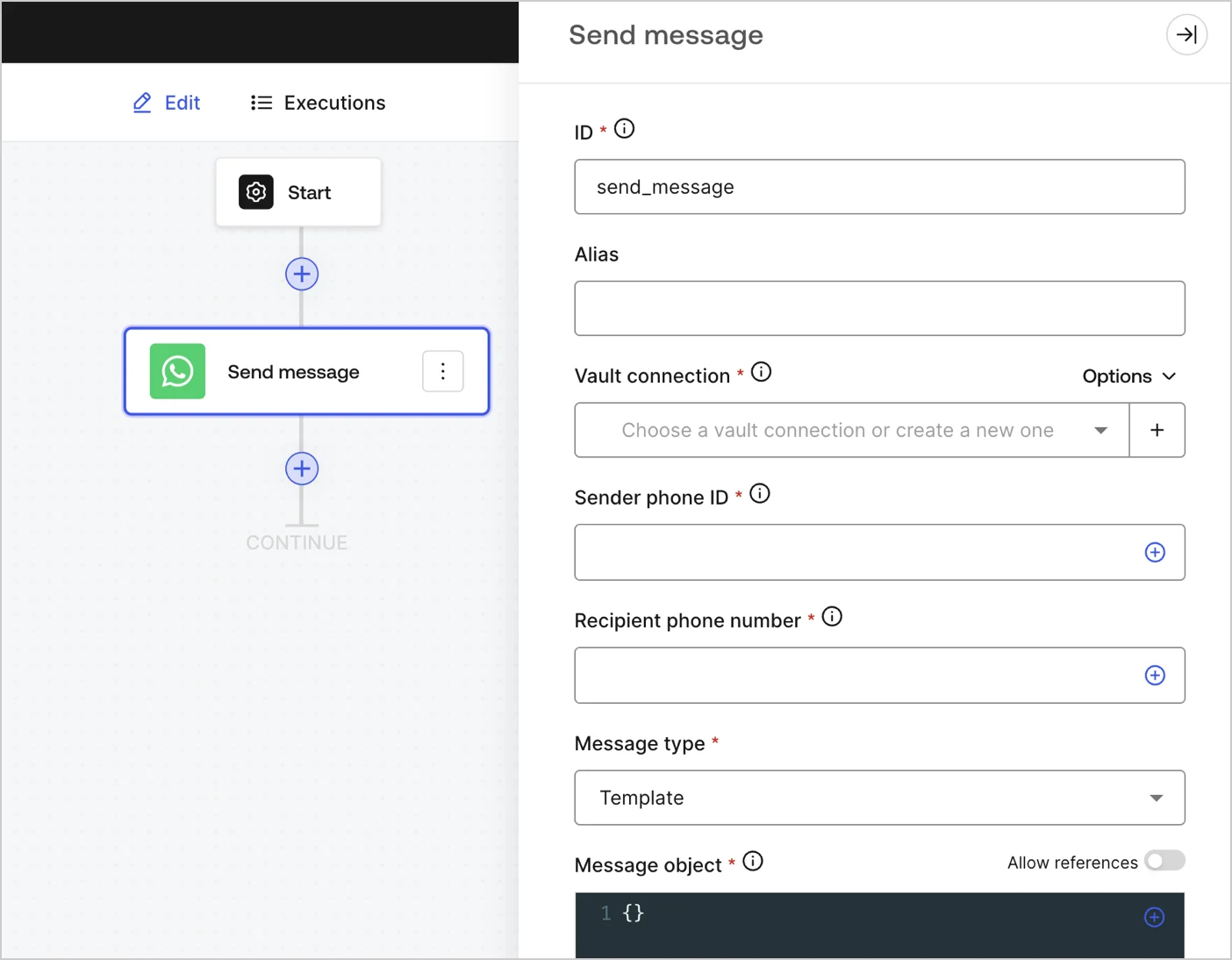 ### Paramètres de saisie
| Paramètre | Description |
| ------------------------------------------------- | ---------------------------------------------------------------------------------------------------------------------------------------------------------------------------------------------------------------------------------------------------------------- |
| ID du téléphone expéditeur (obligatoire) | L’ID du téléphone expéditeur se trouve dans les [paramètres WhatsApp du Facebook Business Manager](https://developers.facebook.com/apps). Notez qu’il ne s’agit pas d’un numéro de téléphone. |
| Numéro de téléphone du destinataire (obligatoire) | Le numéro de téléphone du destinataire au [format E.164](https://en.wikipedia.org/wiki/E.164). |
| Type de message (obligatoire) | Sélectionnez le type de message dans le menu déroulant. Voici les différents types :
### Paramètres de saisie
| Paramètre | Description |
| ------------------------------------------------- | ---------------------------------------------------------------------------------------------------------------------------------------------------------------------------------------------------------------------------------------------------------------- |
| ID du téléphone expéditeur (obligatoire) | L’ID du téléphone expéditeur se trouve dans les [paramètres WhatsApp du Facebook Business Manager](https://developers.facebook.com/apps). Notez qu’il ne s’agit pas d’un numéro de téléphone. |
| Numéro de téléphone du destinataire (obligatoire) | Le numéro de téléphone du destinataire au [format E.164](https://en.wikipedia.org/wiki/E.164). |
| Type de message (obligatoire) | Sélectionnez le type de message dans le menu déroulant. Voici les différents types : - Audio
- Contacts
- Document
- Image
- Interactive
- Localisation
- Autocollant
- Modèle
- Texte
|
| Objet de message (obligatoire) | Le contenu de l’objet de message varie selon le type de message sélectionné. Pour en savoir plus, consultez l’article [Messages](https://developers.facebook.com/docs/whatsapp/cloud-api/reference/messages). |
### Paramètres de sortie
Vous trouverez les codes d’état attendus dans la [documentation de Facebook](https://developers.facebook.com/docs/whatsapp/cloud-api/support/error-codes).